Khắc phục lỗiNổi bật
Sửa lỗi CredSSP (An authentication error has occurred) khi RDP vào VPS
4 tháng 8, 2026•297 lượt xem
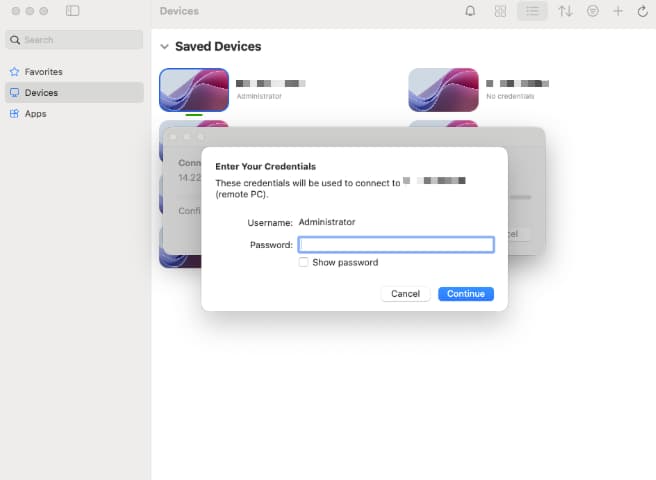
Lỗi CredSSP (An authentication error has occurred. The function requested is not supported) xảy ra khi phiên bản cập nhật bảo mật Windows trên máy khách và máy chủ VPS không đồng bộ với nhau.
🛠️ Cách 1: Phổ biến nhất - Dùng Group Policy (Gpedit.msc)
- Nhấn phím Windows + R, gõ
gpedit.mscvà bấm Enter. - Truy cập đường dẫn:
Computer Configuration > Administrative Templates > System > Credentials Delegation. - Tìm và nhấp đúp chuột vào chính sách Encryption Oracle Remediation.
- Chọn trạng thái Enabled, đồng thời tại ô Protection Level đổi thành Vulnerable.
- Nhấn Apply > OK rồi thử kết nối lại VPS.
⚡ Cách 2: Dùng lệnh Command Prompt (CMD Run as Administrator)
Mở CMD với quyền Admin và dán đoạn lệnh sau để cập nhật Registry nhanh chóng:
reg add "HKLM\Software\Microsoft\Windows\CurrentVersion\Policies\System\CredSSP\Parameters" /v AllowEncryptionOracle /t REG_DWORD /d 2 /f